Event organizer
You have event photos but no recorded footage.
Prepare a photo order, short captions, and music you have permission to use. For a focused photo-and-audio workflow, see photo video maker with music online free.
Video planning
A video maker online free search can lead to very different workflows. Decide whether you are assembling existing footage, arranging photos, or developing an idea before choosing where to begin.
Open Vidione, then enter your brief there. This page does not transfer prompt text.
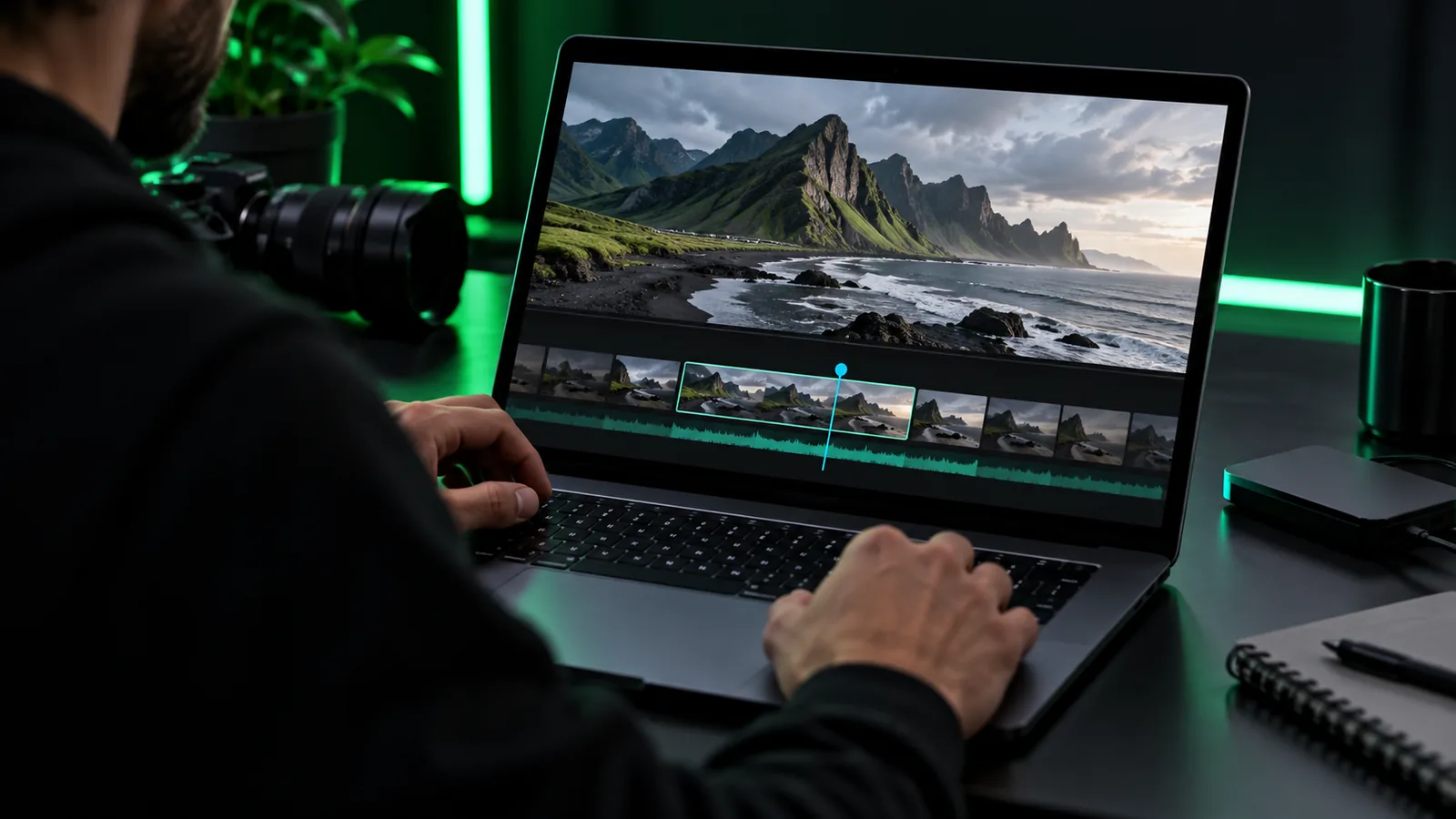
The useful distinction is not simply online versus installed software. It is whether your project calls for a quick assembly or detailed control over source files.
| Browser-based video maker | Installed editing software | |
|---|---|---|
| Best starting point | A short concept or a small set of ready-to-use assets | A project with many clips or complex revisions |
| Device setup | Work through a supported browser | Install and maintain software on the device |
| Source handling | Check accepted imports before committing to an edit | Check the application's codec and file support |
| Precise edits | Assess the controls offered by the chosen tool | Often a better fit for detailed timeline work |
| Connection | May depend on an active internet connection | Some workflows can continue offline |
| Final file | Confirm export settings and restrictions first | Confirm the installed application's export options |
Choose a path based on what you can actually supply. These project briefs help you decide what to prepare before opening a video tool.
You have event photos but no recorded footage.
Prepare a photo order, short captions, and music you have permission to use. For a focused photo-and-audio workflow, see photo video maker with music online free.
You want to turn product photos into a brief announcement.
Group the images by message and draft one line of text per scene. Online video maker with photos covers arranging still images into a video plan.
You have a mix of portraits and landscape snapshots.
Select a consistent frame before arranging the photos. The photo video maker with music online free guide also explains how to plan a soundtrack without assuming music rights.
These are illustrative project briefs, not a promise that every tool will produce the same result. Match the brief to your available inputs and intended viewing format.
 Clips
Clips
 Photos
 Outline
An orderly import saves time regardless of which editor you eventually use.
Choose clips or photos that are clear, relevant, and yours to use. Keep an original copy outside the project so an edit never becomes your only version.
Review the chosen tool's accepted files and limits before uploading. If an item fails, inspect its format and size rather than repeatedly submitting the same file.
Place the opening, middle, and ending in order. Add titles only after the sequence makes sense, then preview the result with sound on and off.
A file may fail because its format is unsupported, its size exceeds a tool's limit, or the upload is interrupted. Check the error message, try a smaller supported source when appropriate, and keep the original file intact. Once your inputs are ready, take your brief to the video tool and review its available import and export options.
That depends on the tool and the action you want to complete. Check its current access terms and export conditions before spending time assembling a project; a free starting option does not necessarily cover every output.
Collect the clips or photos you want to use, draft a short sequence, and write any text that needs to appear on screen. Check that you have permission to use your media and music.
A photo-led video can be planned as a sequence of still images with titles or transitions. Whether a particular tool accepts your files and offers the controls you want must be checked in that tool.
Common causes include an unsupported format, a file over the permitted size, or an interrupted connection. Read the tool's requirements and error message, then test with a compatible copy while preserving your original.