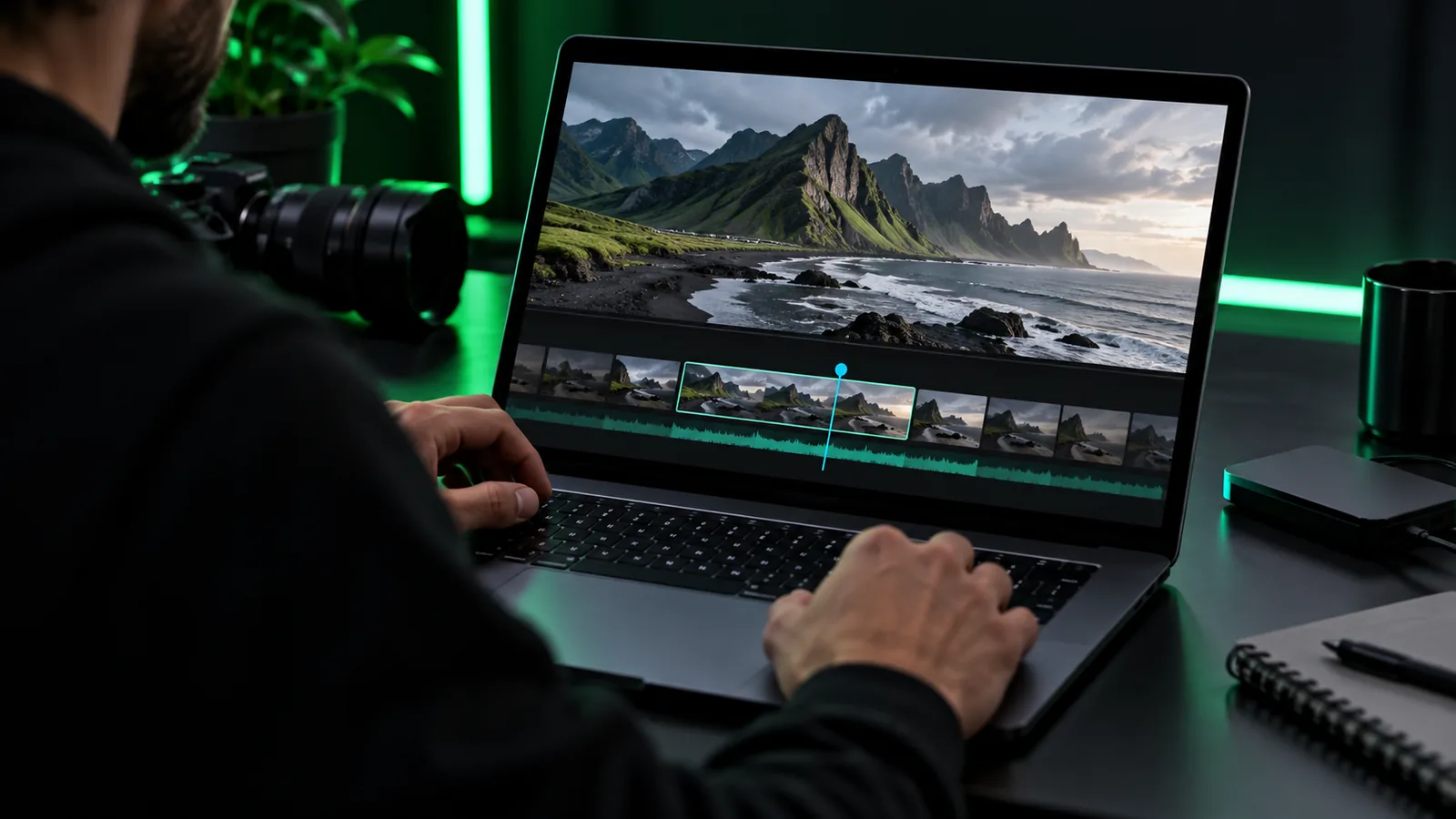
YouTube workflow

Make a clearer video with an online video editor for YouTube

An online video editor for YouTube is only one part of the job. Start with a clear opening, an edit that supports your point, and a review of the finished video before you publish.

Describe your edit

Open Vidione, then enter your brief there. This page does not transfer prompt text.

Review the result before publishing Plan my video
Onlinevideo landing-page video imagery

What this scenario must deliver (table)

The right deliverable depends on what viewers came to watch. Match the edit to its purpose before choosing transitions or music.

Tutorial creator

A screen recording needs a quick statement of the task, legible demonstrations and pauses where viewers must follow along.

A sequence that teaches one task without making viewers hunt for the important action. For a worked walkthrough, see free online video editor tutorial.
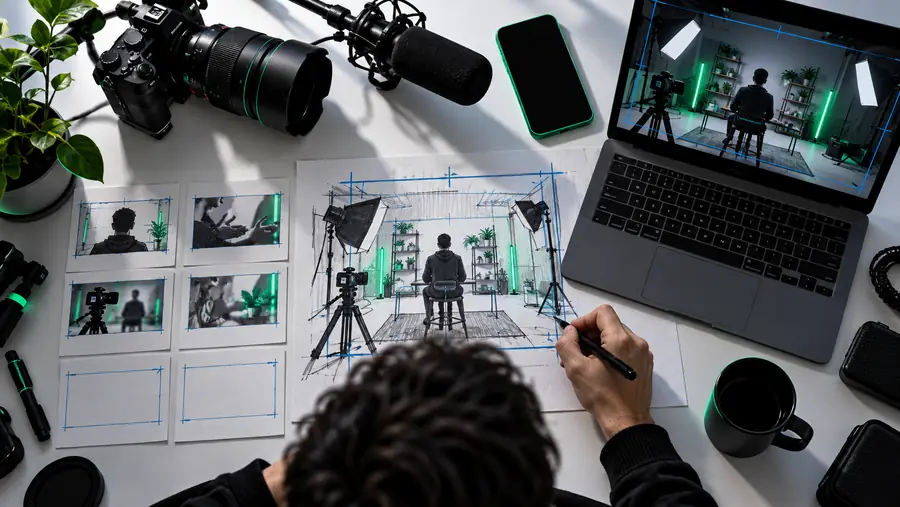
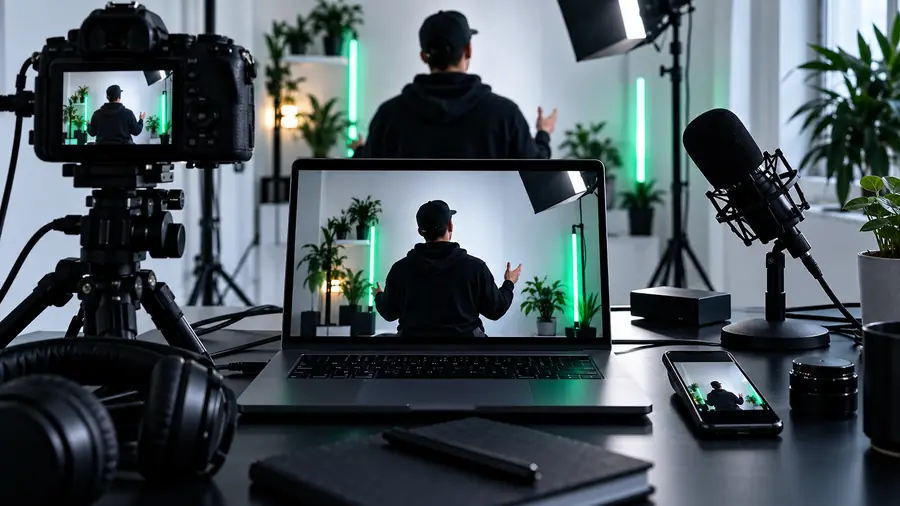
free online video editor tutorial

Channel storyteller

A longer story needs an opening promise, a sensible sequence of scenes and a conclusion that resolves the original question.

A video whose structure remains understandable even when individual clips are short. For format-specific ideas, see online video editor examples for youtube.

online video editor examples for youtube

Short-form creator

A vertical clip needs its subject visible immediately and text placed where platform controls will not obscure it.

A concise cut that communicates its point without relying on tiny captions. For a broader creation brief, see video maker online free.

video maker online free

Product demonstrator

A demonstration needs close views of the action, restrained labels and a result viewers can inspect.

A practical edit that shows what happened rather than covering the result with effects. For other editing approaches, see best online video editor tutorial.

best online video editor tutorial

What this scenario must deliver (table)

Use the table as an editorial brief, not as a claim that every editing tool supplies the same controls.

Standard YouTube video YouTube Short
Opening State the topic and give viewers a reason to stay. Show the subject or result straight away.
Story Organize the footage into a beginning, useful middle and conclusion. Keep one idea or action in focus.
Framing Check that important details remain visible in a horizontal frame. Check the vertical crop and keep key details away from screen edges.
Text Use labels when they clarify names, steps or context. Keep on-screen wording brief and large enough for a phone.
Sound Listen for uneven levels across narration, clips and music. Check that the main sound is clear from the first moment.
Final review Watch the full export for cuts, spelling and an ending that makes sense. Watch on a phone-sized screen for crop and caption placement.

Each item

Give each part of the video a job. A useful edit removes material that does not help the viewer understand or enjoy that job.

Opening

Make the first moments specific

Tell viewers what they will see or learn, then move into the promised material. An introduction can be brief without feeling abrupt if the first shot and the first sentence agree.

  • Show the topic before adding background.
  • Cut repeated greetings or setup that delays the point.

Main sequence

Put evidence next to the claim

When narration mentions a step, product detail or result, show the matching footage. Keep labels long enough to read, and use transitions only when they help distinguish one stage from another.

  • Check that every inserted clip has a clear purpose.
  • Leave enough time to inspect important details.

Ending

Resolve the viewer's question

Close with the result, a short recap or the next practical step. Watch the last seconds carefully: an accidental blank frame or clipped sentence can undermine an otherwise careful edit.

  • Finish the spoken thought before cutting away.
  • Check that the final frame belongs to the video.

Quality bar

A polished-looking frame is not enough. Judge the video by whether a viewer can follow it with ordinary speakers and a phone-sized screen.

Illustrative frame used to consider the initial YouTube video layout
Initial presentation
Illustrative frame used to consider a clearer YouTube video presentation
Clearer presentation

These images illustrate a review question, not a verified export from a particular tool. Check the actual finished video for readable text, visible subjects, intelligible speech and cuts that do not interrupt an action.

Initial presentationClearer presentation

Common rework

Most avoidable revisions are easier to catch in a complete preview than while adjusting individual clips.

  1. 1

    Watch without stopping

    Note where the pace drags, where a promised answer is missing and where a cut makes the sequence confusing.

  2. 2

    Check sound and text

    Listen for sudden volume changes, then inspect names, captions and labels for spelling and reading time.

  3. 3

    Inspect the published shape

    Review the intended framing on a smaller screen before relying on a desktop preview. Repeat the check after making changes.

Common rework

Use a short review workflow for the problem you actually found rather than rebuilding the entire video.

    • Structure

      The opening takes too long

      Find the first moment that delivers on the video's premise. Move it forward, then keep only the context needed to understand it.

      1. Identify the first useful shot or sentence.
      2. Remove repeated setup ahead of it.
      3. Watch the revised opening with the next scene.
      Review my opening
    • Clarity

      The viewer cannot follow a step

      Match the explanation to the visible action. If a detail is too small, choose a closer shot or simplify the label rather than adding more text.

      1. Locate the exact confusing moment.
      2. Check whether the matching action is visible.
      3. Preview the revision at a smaller size.
      Plan clearer steps
    • Final pass

      The finish feels unfinished

      Check whether the video shows its result and completes its final thought. Remove stray footage after the intended ending.

      1. Replay the last thirty seconds.
      2. Confirm the result or recap is present.
      3. Check the final spoken word and frame.
      Review my ending

    Common rework

    Onlinevideo can help you frame the work before you head to the video tool. Keep the opening, main sequence and final review in view as you work.

    Take a focused brief into your next edit

    • Define what the viewer should get
    • Check the edit in its intended shape
    • Review the finished video before publishing
    Plan my edit

    Scenario FAQ

    Start with the work your video requires: arranging clips, checking the intended frame, making text readable and reviewing sound. Test your full publishing workflow rather than choosing a tool because it has the longest feature list.

    You can reuse source footage, but the framing and pacing may need a separate pass. Preview each version in its intended shape so important subjects and text remain visible.

    Preview the finished video on a phone-sized screen, not only in a large editing window. Give each caption enough time to read and check that it does not compete with the most important action.

    Watch the entire finished file and listen for abrupt sound changes or clipped speech. Check spelling, framing, the first moments and the final frame; then confirm the edit still delivers what its opening promised.

    Start creating
    Start creating