1
The opening takes too long
If the first useful moment arrives late, viewers may leave before the video explains its value. Move the clearest result, question, or visual near the beginning, then provide context after the hook.
Practical guide
This free online video editor tutorial shows how to move from a simple idea to a polished project in the browser. You will learn a repeatable workflow for organizing clips, shaping a story, refining sound, and checking the final export.
Open Vidione, then enter your brief there. This page does not transfer prompt text.
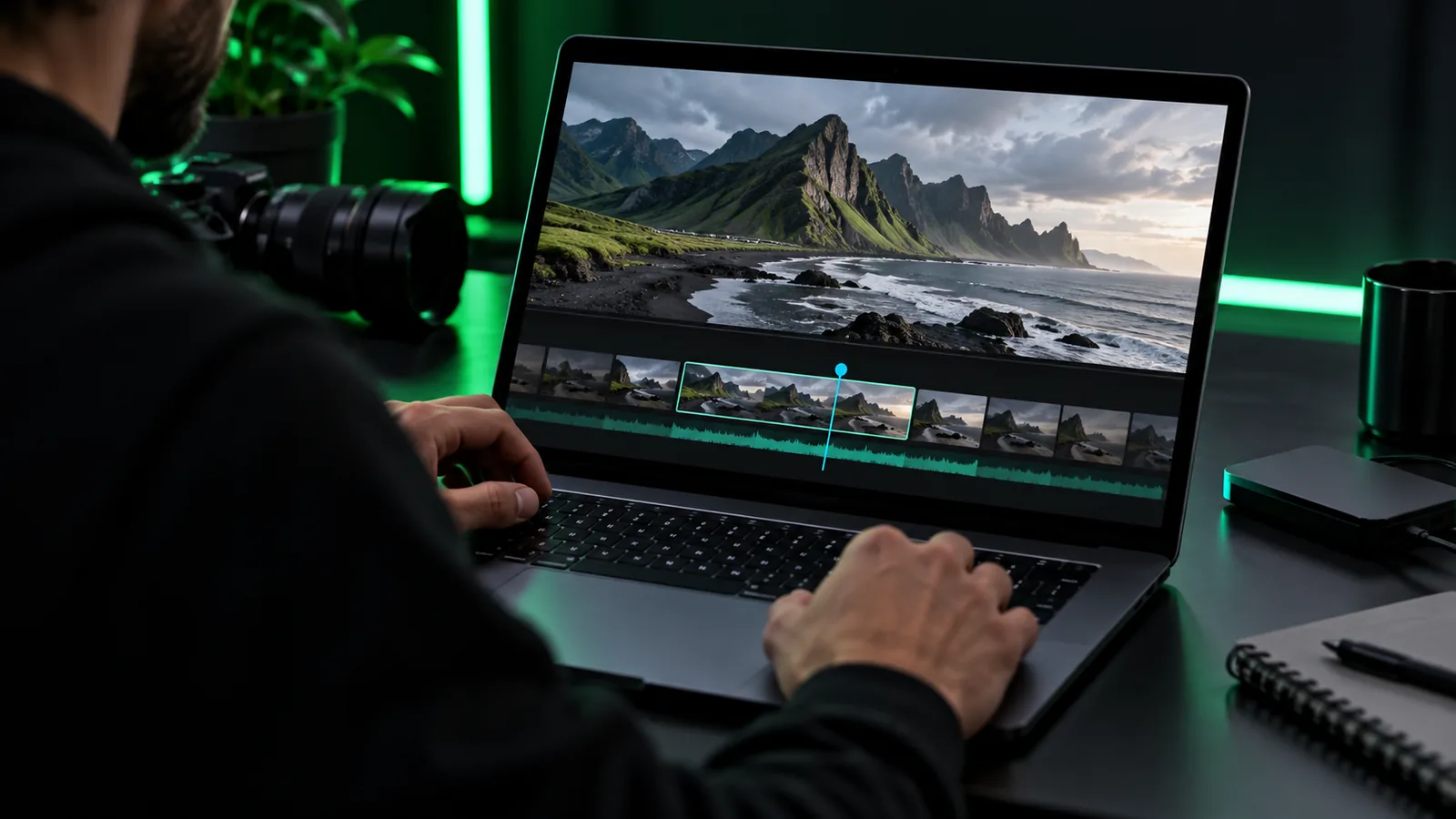
A few decisions before editing make every later step faster and easier.
Use this three-part sequence for nearly any short browser-based video project.
Write one sentence describing the viewer, the main point, and the action you want them to take.
Place the strongest visual first, remove pauses and repetition, then add supporting clips in a logical order.
Balance the audio, check readable text, watch the complete cut, and export only after the final pass.
You do not need a complicated setup, but these basics prevent avoidable rework.
A specific goal for the video, such as explaining, demonstrating, or introducing something — Keep it to one primary goal.
Source clips, images, or screen recordings stored where you can find them — Use clear filenames.
A rough outline with an opening, middle, and ending — A few bullet points are enough.
A target aspect ratio or destination platform — Decide before framing text.
A music or voice track you have permission to useoptional — Add audio only when it supports the message.
A quiet place for the final watch-throughoptional — Headphones can reveal distracting noise.
Continue with a route that matches the kind of video you are preparing.
The same workflow changes slightly depending on the material you start with and the viewer you want to reach.
Talking head
Start with the clearest sentence, remove long pauses, and use supporting visuals only when they clarify what the speaker is saying.
Product demo
Open with the result or most useful action, then show only the steps needed to understand how the product works.
Photo or slideshow
Use a deliberate order, varied image duration, and restrained transitions so the sequence feels intentional rather than repetitive.
Understanding the format’s path explains why a simple browser workflow now covers many everyday projects.
Nonlinear editing tools make it possible to rearrange clips without changing the original recordings.
Smaller digital files make online publishing practical for creators, schools, businesses, and communities.
Vertical and square video become common, making framing and caption placement part of the editing decision.
Online tools bring asset organization, timeline editing, text, audio, and export into a connected workspace.
Most beginner problems come from unclear structure, weak audio checks, or reviewing only one part of the project.
1
If the first useful moment arrives late, viewers may leave before the video explains its value. Move the clearest result, question, or visual near the beginning, then provide context after the hook.
2
Too many transitions, duplicate clips, and decorative elements make an edit harder to understand. Create a clean first cut before layering titles, music, or effects.
3
A project can look correct while editing but fail after export because text is clipped, audio is uneven, or an important frame is hidden. Watch the complete result from beginning to end.
Once the basic cut works, these refinements improve clarity without making the project harder to maintain.
Build reusable habits instead of chasing effects. Save a clean version before major changes, name important assets by scene, and keep a consistent visual hierarchy for titles and captions. If a section feels slow, shorten the gap before adding motion. If the video feels noisy, remove competing audio and simplify the frame. For longer projects, review in passes: structure first, pacing second, sound third, and visual polish last. This order protects the message and makes revisions easier. When you finish, check the first frame, the last frame, spoken words, on-screen text, and the viewing format you expect your audience to use.
Answers to common questions people ask before beginning a browser-based video edit.
Prepare a clear goal, the media you intend to use, and a rough beginning-to-end outline. It also helps to decide where the video will be viewed so you can plan its framing and text placement.
Start with one short project and create a basic first cut before adding effects. Organize your media, follow a simple opening-middle-ending structure, and make changes one pass at a time.
Begin with structure and remove unnecessary material first. Then refine pacing, balance the audio, add readable text or graphics, and review the complete exported result.
Listen for background noise, sudden volume changes, and music that competes with speech. Keep the voice understandable, use music sparingly, and check the final result on more than one listening setup.
No. Effects are most useful when they clarify a transition, emphasize information, or guide attention. Consistent cuts and readable visuals usually matter more than a large collection of effects.