So what is online video editor free in practice?

The phrase usually means a browser-based video editing tool with some editing available at no charge. It does not guarantee unrestricted exports, a watermark-free result, or access without an account.

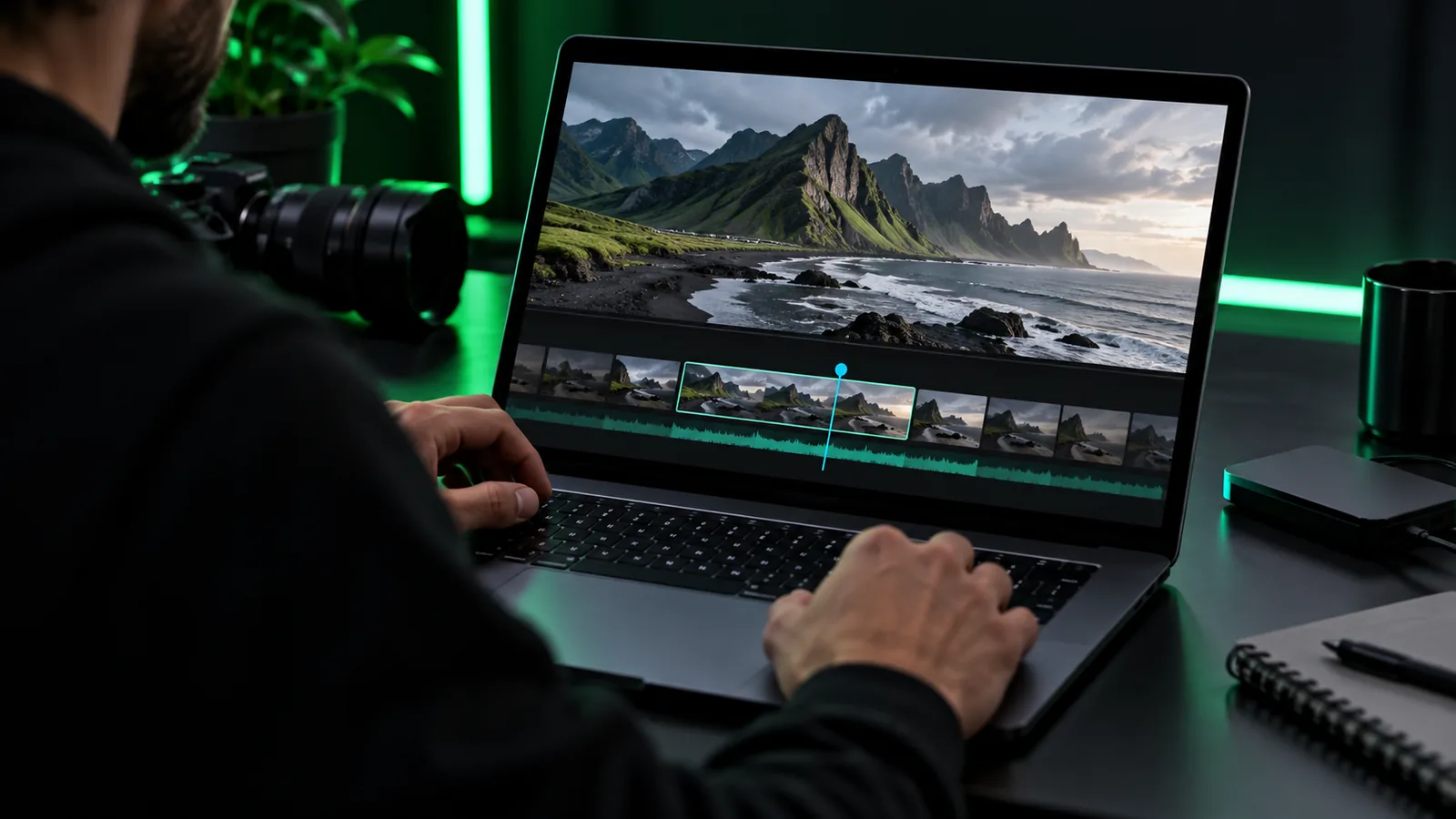
Onlinevideo visual introducing browser-based video editing

What it actually is

An online video editor is editing software reached through a website rather than installed as a conventional desktop application.

  1. 1

    Open the editing workspace

    You visit a website in a supported browser. Some services let you inspect the workspace immediately; others ask for an account before you can start.

  2. 2

    Bring in material and make changes

    Depending on the service, you may upload clips, arrange a sequence, trim footage, add text, or adjust sound. An online video editor can vary substantially in its available controls.

  3. 3

    Check the output before committing

    Review the proposed resolution, file format, watermark policy, usage rights, and any export restrictions. Editing at no charge and obtaining the finished file on the same terms are separate questions.

Boundary conditions

Free describes a possible entry point, not a universal license or a complete specification.

or

Option 1

You need only a small edit

Check whether the available tools cover that exact change.

A browser workflow may be convenient for a simple trim or sequence, but the controls differ between services. Test the actual edit rather than assuming every online video editor has the same toolkit.

or

Option 2

You need a deliverable for publication

Inspect export conditions before investing time in the edit.

Resolution, watermarks, file formats, and permitted use can matter more than whether the workspace opens at no charge.

or

Option 3

You are handling sensitive footage

Read the service's upload, retention, and deletion policies first.

Opening an online video editor in a browser does not, by itself, tell you where its processing occurs or how long uploaded files remain stored.
When NOT to use it

Choose another workflow when a requirement cannot be verified before you upload or export.

Required Optional
  • Confirm that you have permission to use every clip, image, and audio track. — A free editing workspace does not remove copyright obligations.

  • Verify that the intended export meets your delivery requirements. — If watermark, format, or resolution rules are unclear, do not rely on that online video editor for a deadline.

  • Check whether your footage may be uploaded to a third-party service. — For confidential material, use an approved workflow if the service's handling terms are unsuitable.

  • Test browser compatibility and connection reliability with a non-sensitive sample.optional — A local editor may be a better fit when you must work offline or your connection is unstable.

How browser editing evolved

These web milestones help explain the category; they do not establish what any particular online video editor supports.

  1. WebM is introduced

    The open media format added another path for video playback on the web, alongside other formats that browsers support.

  2. HTML5 becomes a W3C Recommendation

    Standard browser video features helped make media tasks less dependent on separate playback plugins.

  3. WebAssembly reaches major browsers

    It gave developers another way to run demanding code in a browser, although an editor's processing may still happen on a server.

  4. WebCodecs ships in Chromium

    Direct access to media encoding and decoding primitives expanded what compatible web applications could build; support still varies by browser and codec.

Explore an editing workflow

Write down the edit, the required output, and any privacy or rights constraints first. Then inspect the available tools and their current terms before supplying footage. Onlinevideo can help you explore a video workflow, but the destination's features and access conditions should be checked there.

Start with the job your video needs

  • Define the edit before selecting a tool
  • Check export terms before uploading important footage
  • Use only media you have permission to publish
Explore video tools

Its own FAQ

It generally means that some part of the editing workflow is available without an initial charge. It does not specify which tools, exports, or usage rights are included, so check the current terms of the particular service.

That depends on the editor and its export terms. Look for an explicit statement about watermarks on the output you intend to use; do not infer watermark-free delivery from the word free.

Not necessarily; an online video editor may process some tasks locally in the browser, on a server, or through a combination of both. Check the service's documentation and privacy terms before adding sensitive material.

No. Editing software does not change the ownership or license of footage, images, or music. Obtain the permissions your intended publication requires, even if you paid nothing to edit.

Do not assume it is. Even if some processing occurs locally, opening the tool, loading assets, saving work, or exporting may require a connection. If offline work is essential, verify that capability beforehand or choose a suitable installed editor.

Start creating
Start creating