Inspect the delivered file
Look beyond the preview. A watermark may appear only after export, so play the downloaded file from beginning to end, including the final frame.
Export-first guide
A clean-looking preview does not prove the downloaded video will be watermark-free. Use this guide to compare editing routes, prepare your footage, and verify the finished file before you publish it.
Open Vidione, then enter your brief there. This page does not transfer prompt text.
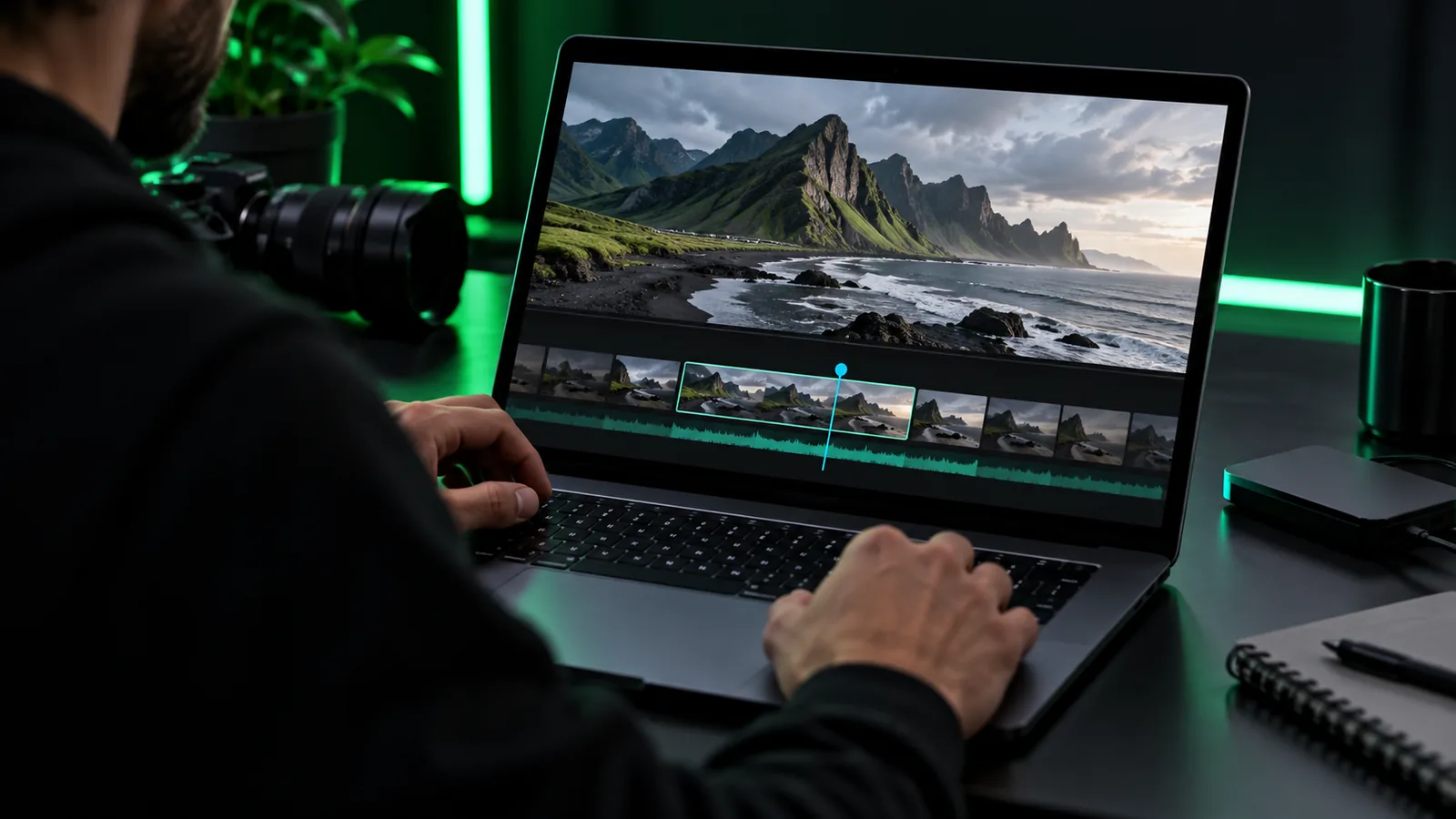
A general online video editor search asks what you can make. A no-watermark search adds a specific test: what appears in the file you can actually export.
Look beyond the preview. A watermark may appear only after export, so play the downloaded file from beginning to end, including the final frame.
Check whether a clean export depends on the selected template, source assets, output settings, or account terms. Do this before committing to a long edit.
Make a small sample using the same elements you intend to publish. This reveals export restrictions without requiring you to finish the entire video first.
This checklist puts three export-specific checks ahead of the usual editing preparation. Bring a short sample so you can verify the result yourself.
A short video clip or a clear description of the video you want to create — Keep the first attempt small enough to review in full.
The export conditions for the exact route you intend to use — Preview appearance is not a substitute for export terms.
A check for logos, end cards, or overlays in the exported file — Watch the whole file, not just its thumbnail.
A second test using your intended assets and output settingsoptional — Useful when the first sample differs from your final project.
Choose the question that matters most before settling on an online video editor. Each route focuses on a different source of uncertainty.
The difference is the order of investigation, not a promise that any particular tool provides a clean export.
| General editor search | No-watermark search | |
|---|---|---|
| First question | Can I make the video I need? | Will my finished file carry an added mark? |
| Starting test | Try the editing workflow. | Export and inspect a short sample. |
| Preview | Useful for judging the edit. | Insufficient evidence about the exported file. |
| Assets | Choose what suits the story. | Check whether chosen assets affect export conditions. |
| End frame | Review the planned ending. | Also inspect for an added end card. |
| Decision point | Continue if the workflow fits. | Continue after the sample file meets your needs. |
Treat your first attempt as an export test rather than a finished production. You can expand the edit once the result checks out.
Choose one short sequence and decide what the final frame should show. If you are describing a new video, specify the subject, pacing, and any captions you need.
Use the available workflow to create a brief version. Read the conditions attached to the route and the assets you selected before exporting.
Open the downloaded file separately and watch it through. Check overlays, corners, transitions, and the ending before you invest more time in the full video.
A search phrase cannot establish a product's current export rules. Confirm the conditions on the route you use and judge the actual output.
An editor can display a preview that differs from its delivered file. This page cannot certify that a particular export has no watermark.
What to do instead
Export a small sample and inspect the downloaded copy.
Removing an added mark is separate from permission to use music, footage, logos, or images. Publishing rights depend on each asset's terms.
What to do instead
Use material you own or have permission to publish.
Templates, settings, or account terms may change what you can export. Do not assume a result from one sample applies to every project.
What to do instead
Repeat the check with the assets and settings planned for your final video.
Onlinevideo can take you to the video creation route. Start with a short, specific brief, then check the route's terms and inspect its export before relying on it for a finished project.
Read the export conditions for the workflow you plan to use, then export a short sample. Play the downloaded file through to the end and inspect its corners and final frame.
Yes, a preview may not show everything that appears in a delivered file. Treat the export itself, rather than the editing canvas or thumbnail, as the result to verify.
No. A watermark is an added visual mark; it does not determine who owns or licenses the material in your video. Check the rights for each asset before publishing.
Yes. Make a short sample with representative assets and the settings you expect to use, then inspect its export. If you later change templates or assets, check the result again.