The source file will not import
A browser editor may not accept every codec or file size. Test one representative clip before preparing the whole project, and keep the original in case you need a different workflow.
Practical editing
An online video editor for free is useful only if you can finish and export the edit you planned. Decide what you need first, then check the current access terms before committing your footage.
Open Vidione, then enter your brief there. This page does not transfer prompt text.
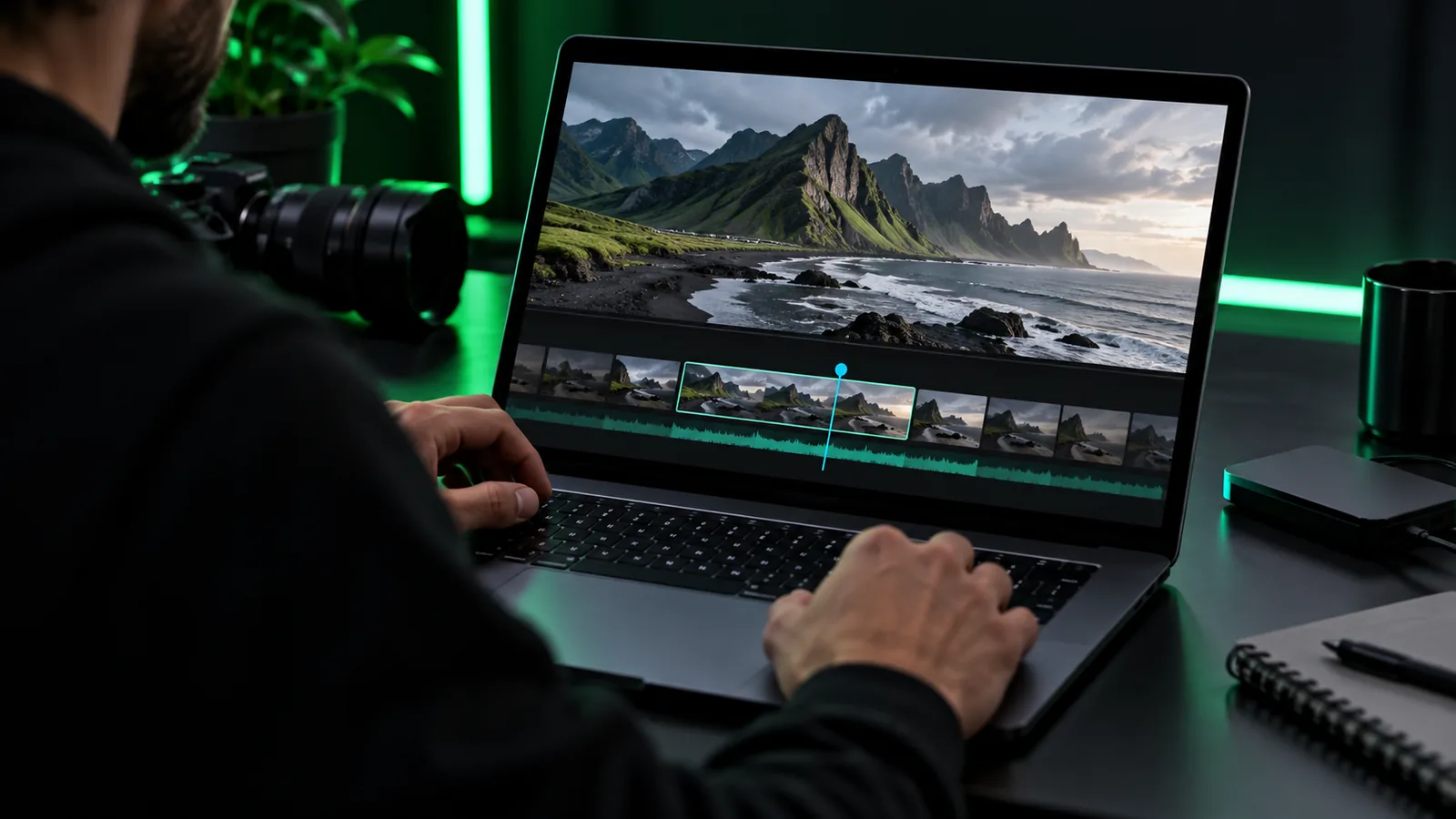
A short checklist keeps a simple edit from becoming a hunt for missing files or an unexpected export restriction.
The video clips or photos you have permission to use — Keep the originals until you have checked the finished export.
A clear target length and destination for the finished video — A short social post and a longer presentation call for different pacing.
A browser and connection suitable for working with your source files — Large uploads may take time, and browser-based tools can differ in how they handle files.
The tool’s current export, watermark, and account terms — Check these before doing the full edit, not after it.
Music, captions, or a logo you are licensed to includeoptional — Add only the elements your video actually needs.
If one export condition matters more than the rest, narrow your comparison before you begin editing.
Use one small, complete project to test an online video editor for free before spending time on a larger cut.
Choose three short clips for a 30-second recap. Put your strongest moment first, decide where the video will appear, and write down whether you need captions or music. This gives you a concrete result to test rather than an open-ended editing session.
Import the clips if the tool supports your files, arrange them in story order, and trim away long starts and pauses. Preview the entire sequence once before adding decoration. If a basic trim or rearrangement is unavailable, you have learned that early.
Add a brief opening title and any necessary captions if those controls are available. Use music only when you have the right to use it, and keep spoken audio understandable. A restrained test makes it easier to spot which features are essential.
Review the export choices and any terms shown at that point. Save a test result if permitted, then watch it outside the editor for cropped text, missing audio, resolution changes, or a watermark. Keep your source files until the result meets your needs.
Compare the finished file, not just the editing screen
Think of your choices as three columns: essential edit, optional polish, and export condition. For a simple recap, trimming and ordering may be essential; transitions may be optional; a usable finished file is non-negotiable. This comparison prevents an attractive feature list from hiding the one limitation that blocks your project.
When evaluating an online video editor for free, record what you can actually do at each stage. Can you import your footage, complete the edit, and export a result that suits its destination? Access terms can change, so treat the options shown in the tool as the deciding evidence rather than assuming every feature is included.
Most disappointing tests fail at a specific checkpoint. Identifying it early can save you from rebuilding a project.
A browser editor may not accept every codec or file size. Test one representative clip before preparing the whole project, and keep the original in case you need a different workflow.
An editable preview does not establish what you can download. Check the available output, watermark status, and any account requirement before investing in detailed captions or timing.
After export, watch the file from beginning to end on the device where it will be used. Look for silent sections, abrupt cuts, unreadable text, and an ending that stops too soon.
Editing access does not grant rights to a song or image. Use material you own or are licensed to use, and check the destination’s rules before publishing the finished video.
Bring a short sample and a clear outcome to the editing tool. Check its current access terms and export options, complete a rough cut, and inspect the resulting file before you commit to the full version.
That depends on the tool’s current terms and the edit you need. Check whether importing, the features you plan to use, and exporting the finished file are all available under those terms before you begin a full project.
Not necessarily. Some tools distinguish between an editable preview and the finished download, so inspect the export conditions rather than relying on a free-access label.
Import one representative clip, make a basic trim, and check the export choices. That short test reveals more about suitability than spending time on titles and effects before confirming you can finish.
Account requirements vary by service and may differ between editing and exporting. Read the current access terms at the point of use; do not assume that opening an editor means you can save a finished video without an account.
You may be able to add audio if the chosen tool supports it, but the tool does not give you rights to the music. Use audio you have permission to include and check the rules of the platform where you intend to publish.