Option 1
You found a clip on social media but cannot identify its owner.
Do not put it in a public video yet.
Being viewable or downloadable is not permission to republish or adapt someone else's work.
Rights before publishing
An online video editor can help assemble a video, but it cannot give you copyright permission for material you do not own. Check the rights to every clip, song, image, and template before you publish.
Open Vidione, then enter your brief there. This page does not transfer prompt text.
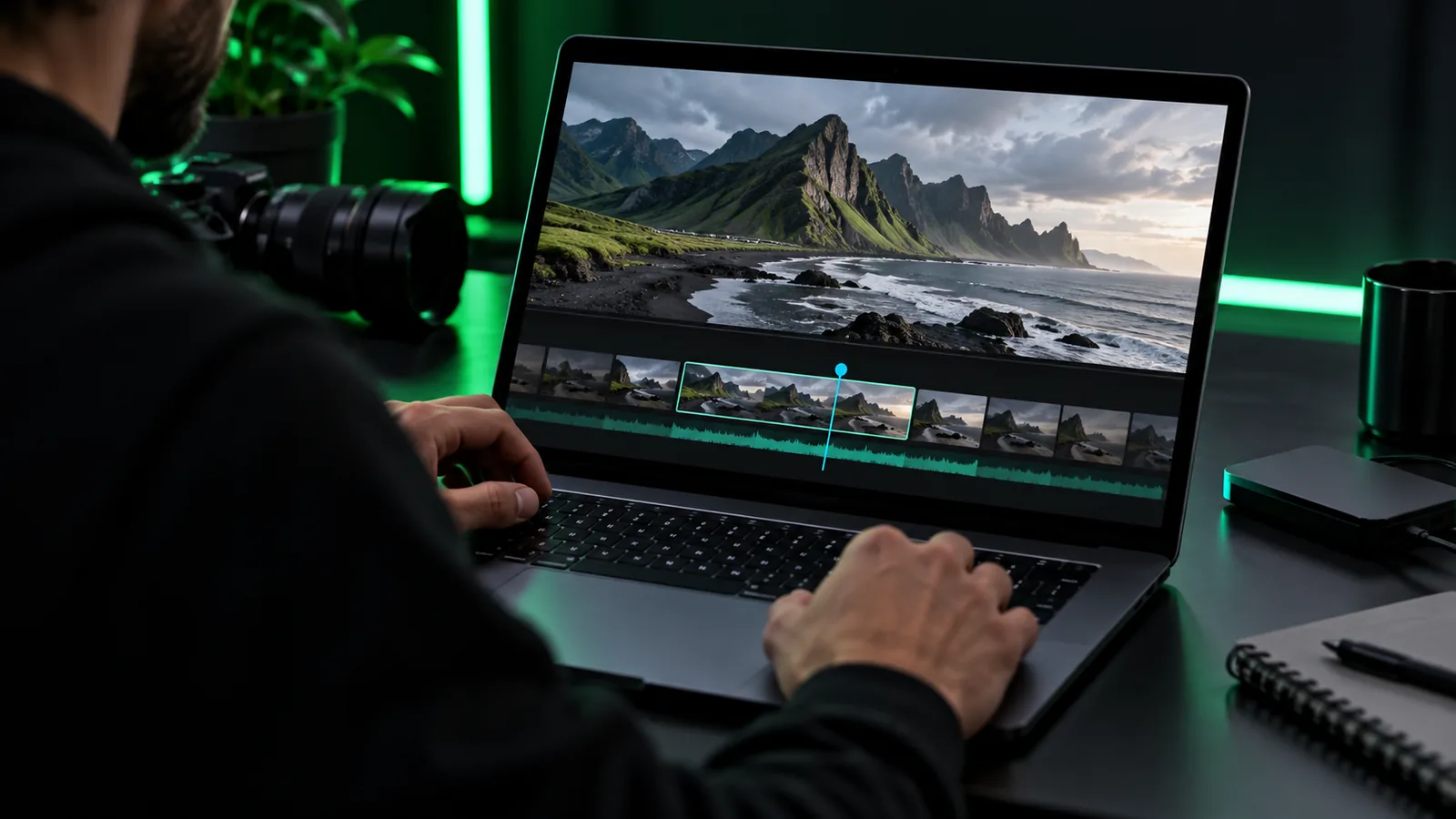
The phrase “no copyright” can describe a search goal, but it does not establish who owns the finished video or its ingredients.
A free online video editor no copyright is best understood as a search for an editing workflow using material you have permission to use—not as a legal status an editor can confer.
Importing a song or stock clip into an online video editor does not grant permission to publish it.
What to do instead
Find the asset's license and confirm it covers your intended audience, platform, and use.
An editor cannot guarantee that a platform will accept your upload without a copyright claim.
What to do instead
Keep license records and resolve any claim through the platform's documented process.
Graphics, fonts, and template elements may have terms separate from the editing tool.
What to do instead
Read the terms for each included asset before placing it in a published video.
Before editing, make an asset list. These checks apply whether your online video editor has a trial, a paid plan, or an unrestricted-looking export.
Identify the owner or source of every video clip and photograph. — Your own recording is easiest to document, but check for third-party material within it.
Confirm that each music and sound-effect license covers your planned distribution. — A personal-use license may not cover commercial publication.
Check permissions for recognizable people, logos, and protected locations where relevant. — Copyright permission does not replace every other permission.
Save receipts, license text, and required attribution wording. — Keep the version of the terms that applied when you obtained the asset.
Prepare an attribution card if an asset's terms require credit.optional — Credit is useful, but it is not a substitute for permission.
Copyright, export appearance, and access terms are separate questions. These pages address the other two without treating them as proof of rights.
List each clip, image, song, sound effect, and graphic before you bring it into an online video editor.
Match each asset's license to the video's purpose, publishing platform, territory, and any attribution requirement.
Assemble the cleared material, add required credits, and store the licenses alongside your project notes.
Illustrative images only. A visual comparison cannot verify licenses, ownership, or permission to publish.
Visual draftRights-first planThe editor is a workspace, not a copyright waiver.
Onlinevideo points you toward an editing workflow, but an online video editor cannot certify that material supplied by a user is cleared. “No copyright” should not be read as a promise that every possible input is available for unrestricted use.
The practical goal is a video whose sources you can identify and whose license terms fit the way you intend to share it. If a term is unclear, replace the asset or ask the rights holder before publishing.
Pause the online video editor workflow when the material or intended use falls outside the permissions you can establish.
Option 1
Do not put it in a public video yet.
Being viewable or downloadable is not permission to republish or adapt someone else's work.
Option 2
Choose music licensed for that purpose or obtain additional permission.
A license can restrict commercial use even when the track is easy to access.
Option 3
Proceed with editing and retain your source records.
Documented sources make future questions easier to answer, though no editor can promise that a claim will never occur.
Bring your cleared footage and audio to an online video editor, then review each asset's terms again before sharing the result. The editing step does not replace permission from a rights holder.
No. An online video editor changes how material is arranged, not who owns the underlying footage, music, or images. You still need the rights required for your intended use.
Credit alone does not grant permission. Check the track's license for the uses it allows, and follow any attribution rules only after confirming the license covers your video.
Not necessarily. “Royalty-free” describes a licensing arrangement, not a declaration that an asset has no owner or no conditions. Read the actual license instead of relying on a search label.
No. A watermark concerns the appearance of an export; a claim concerns rights in its contents. Keep evidence of permission for the material you use, regardless of how the export looks.
Treat its permitted uses as unconfirmed. Contact the rights holder, find a clearly licensed alternative, or leave the asset out of the video.